 Loopwise Labs

Jira Cloud app · Runs on Atlassian
Sprint Capacity for Jira
Before the sprint starts, know who has too much and who has room.
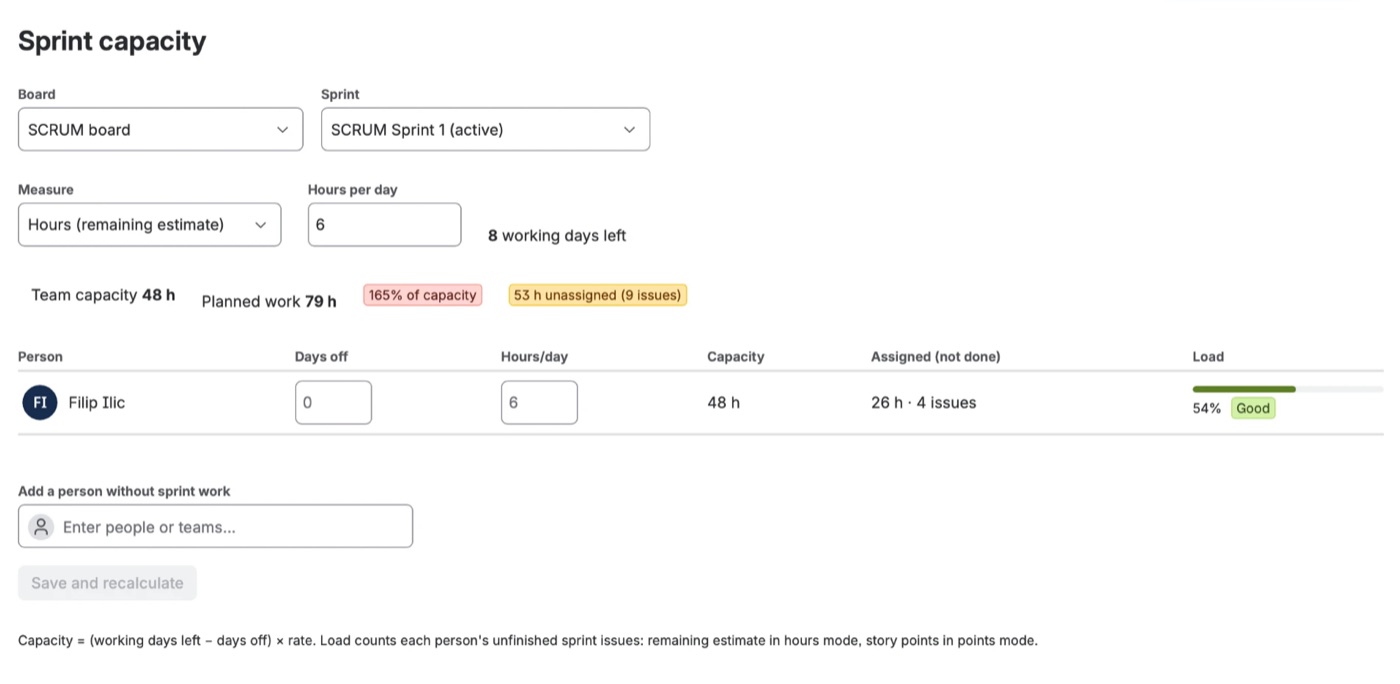
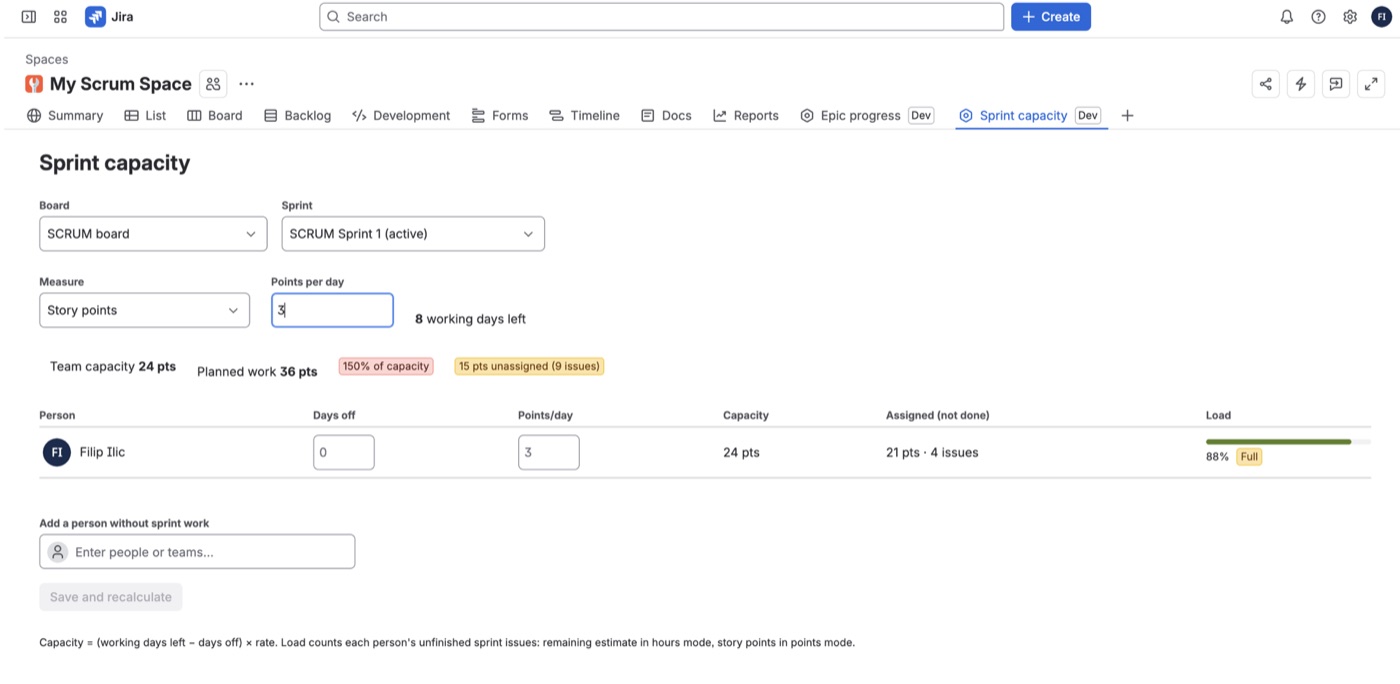
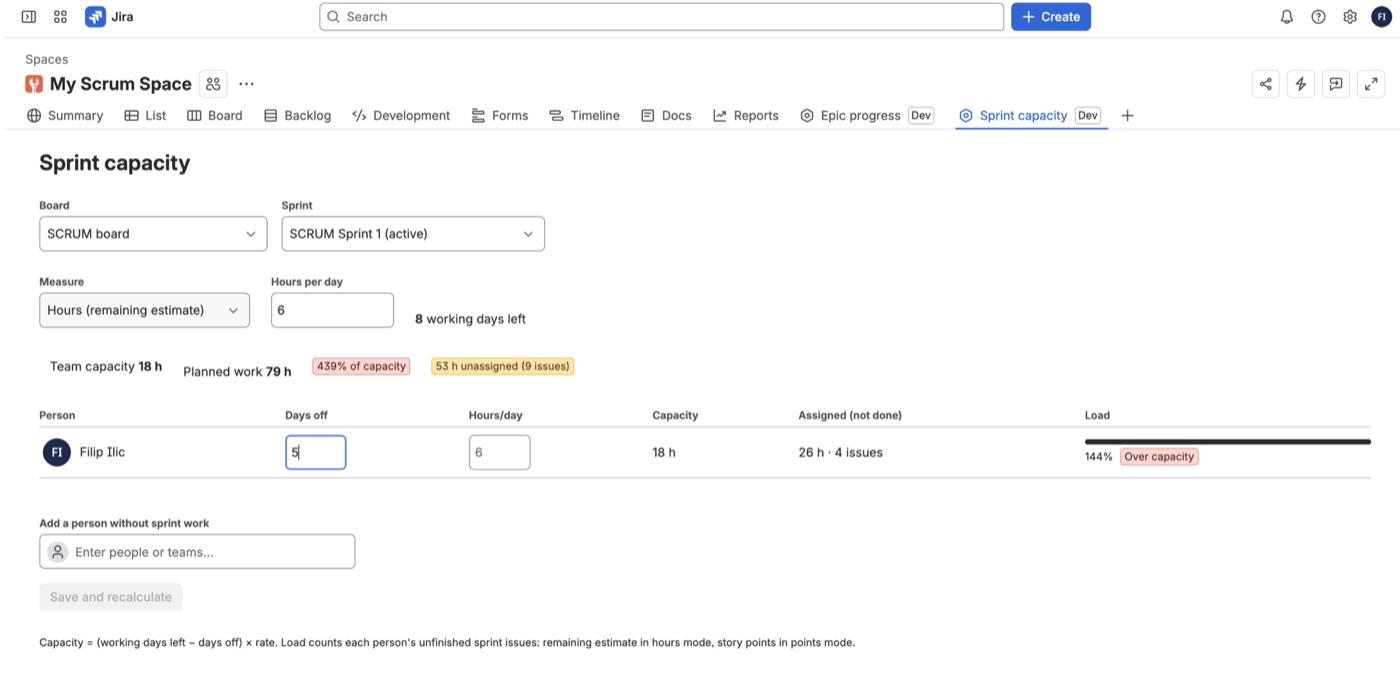
- Per person: capacity from the working days left in the sprint, minus days off, times hours (or points) per day.
- Real load: each person's unfinished sprint work, by remaining estimate or story points.
- Clear status: Has room, Good, Full or Over capacity, plus team totals and unassigned work.
- Days off and part-timers: set days off per sprint and a different daily rate per person.
- Plan ahead: works for the active sprint and future sprints, and you can add people who have no work yet.
Getting started
- Install the app from the Atlassian Marketplace.
- Open a Scrum project and the Sprint capacity tab.
- Choose the board and sprint, enter days off, and click Save and recalculate.
FAQ
Which days count? Monday to Friday between today (or the sprint start) and the sprint end.
What is stored? Daily rates and days off per person, with their Atlassian account ID. Closed accounts are removed automatically every week.
Questions? Contact support.